Quick answer
How do you end a freelancer contract the right way?
To end a freelancer contract the right way, read your contract first, give written notice, list every file and login you need back, collect them before the final payment, remove the freelancer's access to all tools, pay the final invoice on time, and keep a short handover note so the next expert can start without a gap.
Key takeaways
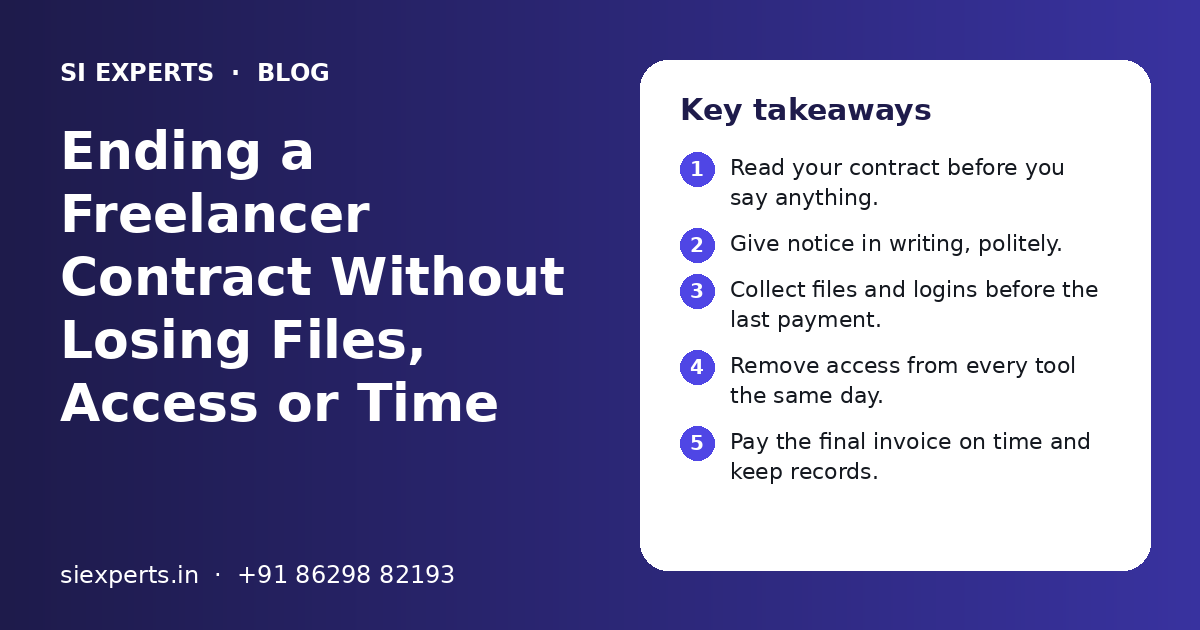
- Read your contract before you say anything.
- Give notice in writing, politely.
- Collect files and logins before the last payment.
- Remove access from every tool the same day.
- Pay the final invoice on time and keep records.
- Get a handover note for the next expert.
When should you end a freelancer contract?
You should end a freelancer contract when the work is finished, when your needs change, or when quality and communication keep falling short even after clear feedback. Ending early is fine, as long as you follow your contract and stay fair.
Some contracts end because things are not working. Deadlines slip again and again. Reports stop. Replies on WhatsApp take days. Before you end things in this case, give clear feedback once in writing and set a short time to improve. Our guide on how to give feedback to a freelancer shows how to do this simply.
If the freelancer has stopped replying completely, the steps are a bit different. Read what to do if a freelancer stops responding first.
What are the steps to end a freelancer contract?
Follow seven steps: read the contract, plan the handover, give written notice, collect files and logins, remove access, settle the final payment and close with a handover note. Do them in this order to stay in control.
- 1
Read your contract
Check the notice period, payment terms, who owns the work and what happens to unfinished tasks.
- 2
Make a handover list
Write down every file, account, password, report and task you need back before you tell the freelancer.
- 3
Give written notice
Send a short, polite email and repeat it on WhatsApp. Mention the last working day and the handover list.
- 4
Collect files and logins
Get source files, code, reports and admin rights moved to your own accounts during the notice period.
- 5
Remove access
On the last day, remove the freelancer from your website, hosting, ad accounts, analytics and shared drives.
- 6
Settle the final payment
Check the final invoice against work done, then pay by bank transfer or UPI and save the record.
- 7
Close with a handover note
Ask for a short note on what is done, what is pending and any known issues, for the next expert.
These steps work for any digital role. They fit SEO experts, developers, ads specialists, designers and writers.
How do you give notice to a freelancer politely?
Give notice in writing, keep it short and stay polite. Say that the contract will end, give the last working day, and list what you need handed over. You do not need a long explanation.
What your notice message should include
- A thank-you for the work done so far
- A clear line that the contract will end
- The last working day, as per your contract
- The list of files, logins and reports you need back
- How and when the final invoice will be paid
- A request for a short handover note
A simple sample message
"Hi [Name], thank you for your work on our website over the last few months. We have decided to end the contract. As per our agreement, your last working day will be the 30th. Before then, please share the items on the attached list. Please send your final invoice after the handover, and we will pay it within the agreed days. Thank you again."
If you are ending because of poor work, stay factual. Mention one or two clear examples if needed. Avoid angry words. A heated message rarely helps and can make the handover harder.
What should a freelancer hand over before leaving?
A freelancer should hand over all work files, source files, logins they created for you, reports, and notes on pending tasks. What this means depends on the role, so use a role-wise list.
| Role | What to collect | Where it should live |
|---|---|---|
| Web developer | Full code, database backup, list of plugins, server and domain details | Your own Git account, hosting and domain registrar |
| SEO expert | Keyword list, audit reports, content plan, list of links built, monthly reports | Your Google Drive or shared folder |
| Google or Meta Ads expert | Campaign notes, audience lists, tracking setup details, reports | Your own ad accounts under your business |
| Social media manager | Content calendar, design files, captions, page admin rights | Your drive and your own business accounts |
| Designer | Editable source files, fonts used, final exports | Your drive, with names that make sense |
| Content writer | Final drafts, briefs, list of published pages | Your drive or your website |
For website work, also ask for a fresh full backup on the last day. If a WordPress expert built your site, ask for the list of paid plugins and themes, and check that the licences are in your business name.
Ownership matters too. Your contract should say that you own the work once it is paid for. If you are not sure what yours says, see what to include in a freelancer contract for your next hire.
Need help with your project?
Talk to the SI Experts team. Free first call, simple advice, clear quote.
How do you remove a freelancer's access safely?
Remove access from every tool on the last working day, change any shared passwords, and check that you are the main owner of each account. Do it in one sitting with a list, so nothing is missed.
| Tool | What to do |
|---|---|
| Website admin (WordPress, Shopify and so on) | Delete or downgrade the freelancer's user. Check for any extra admin users. |
| Hosting and server | Remove their user or SSH key. Change the hosting password if it was shared. |
| Domain registrar | Make sure the domain is in your name and your email. Change the password if shared. |
| Google Ads and Meta business tools | Remove the freelancer as a user or partner from your business settings. |
| Google Analytics and Search Console | Remove the user. If they verified ownership, remove their verification method too. |
| Google Drive, Dropbox and email | Remove sharing on folders. Delete any email IDs made for them. |
| Social media pages | Remove their page roles. Check that two or more of your own people are admins. |
| WhatsApp groups and project tools | Remove them from work groups, Trello, Asana or similar tools. |
Do not remove access before files are handed over. The freelancer may need access to export reports or move code. Plan the order: handover first, removal second, payment last.
How should you settle the final payment?
Pay the final invoice for work done, on the agreed date, after the handover is complete. Check the invoice against your contract, and keep the payment record and invoice together.
- The invoice matches the hours, milestones or monthly fee in the contract
- Unfinished tasks are not billed as complete
- Any advance already paid is adjusted
- If the freelancer is GST-registered, the invoice shows GST details
- Payment goes by bank transfer or UPI, not cash
- You save the invoice and payment proof in one folder for your accountant
If you and the freelancer do not agree on an amount, talk on a call first. Go through the work done line by line. Most gaps are about unclear scope, not bad intent. If the gap is large, ask your CA or a lawyer before you act.
What mistakes should you avoid when ending a freelancer contract?
The biggest mistakes are ending without notice, paying in full before handover, forgetting to remove access and not getting source files. Each of these can cost you time, money or data.
Do this
- Follow the notice period in your contract
- Make a full list of files and logins first
- Move accounts into your own business name
- Remove access on the last working day
- Pay on time once handover is done
- Ask for a short handover note
Avoid this
- Ending the contract by a sudden message
- Blocking the freelancer before files are shared
- Paying the full amount before you get the work
- Leaving old admin users on your website
- Letting ads run from the freelancer's own account
- Sharing angry posts or reviews in public
One more mistake is leaving a gap. If your SEO or ads stop for a month while you look for someone new, you can lose ground. Plan the next person before the last day where you can.
How do you hand the work to a new expert without a gap?
Line up the new expert before the old contract ends, share the handover note and files with them, and if possible keep a few days of overlap. This keeps your website, ads and content running.
A short overlap is useful. The outgoing freelancer can answer a few questions. The new expert can check that every file and login works. Even two or three days can save weeks of guessing later.
Our remote expert onboarding checklist covers the first week with a new person in detail.
| Option | Good for | Backup if someone leaves |
|---|---|---|
| New solo freelancer | Small, one-off tasks | Usually none |
| Dedicated expert from a team | Ongoing monthly work | Team cover and review |
| In-house hire | Full-time, long-term work | Depends on your team size |
If you want less risk next time, you can hire a web developer, Google Ads expert or a full dedicated team in India through SI Experts. SI Experts is powered by Shivah Web Tech, with 11+ years of work, a 25+ member in-house team and 500+ projects. The team can cover leave and review key work. Cost depends on the skill, hours and scope. You get a clear quote after a free call.
What does a complete freelancer offboarding checklist look like?
A complete freelancer offboarding checklist covers four areas: notice, handover, access and payment. Copy the list below and tick each item before you close the contract.
Notice
- Contract read for notice period, ownership and payment terms
- Written notice sent by email and WhatsApp
- Last working day agreed in writing
Handover
- All source files and code received in your own accounts
- Reports and plans saved in your shared folder
- Licences for paid tools and plugins in your business name
- Handover note received: done, pending and known issues
- Fresh website backup taken on the last day
Access and payment
- Freelancer removed from website, hosting, ads, analytics and drives
- Shared passwords changed and two-step login turned on
- Final invoice checked and paid by bank or UPI
- Invoice and payment proof saved for your accountant
Need help taking over work from a freelancer who is leaving? Contact us and tell us what is in progress. We will suggest the right expert and plan a smooth handover.
Frequently Asked Questions
Can I end a freelancer contract early?
Yes, in most cases you can end a freelancer contract early, but you should follow the notice period and payment terms written in the contract. Pay for work already done, give notice in writing and ask for files and logins before the last day. If the contract has no exit terms, give a fair notice period and agree the final amount in writing to avoid any dispute.
How much notice should I give a freelancer?
Give the notice period your contract states. If it does not state one, a short notice such as one or two weeks is common for monthly work, and less for small tasks. The notice period gives time to hand over files, export reports and move accounts. Always confirm the last working day in writing so both sides are clear about it.
What should I ask a freelancer to hand over at the end?
Ask for all source files, code, design files, reports, content drafts, plans and any logins they created for your business. Also ask for a short handover note that lists what is done, what is pending and any known issues. For websites, ask for a fresh full backup. Make sure everything is saved in accounts that you own, not theirs.
How do I remove a freelancer's access to my website?
Log in as the main admin and delete the freelancer's user, or change it to a role with no access. Then check for any other admin users you do not know. Remove their access from hosting, the domain account, analytics and ad accounts too. If you ever shared your own password, change it and turn on two-step login on the same day.
Should I pay the freelancer before or after the handover?
Pay after the handover is complete, on the date agreed in your contract. This is fair to both sides. The freelancer gets paid for the work done, and you get your files and logins first. Do not hold back money without a clear reason, because that can cause disputes. Check the invoice against your contract before paying by bank or UPI.
What if the freelancer refuses to hand over files?
First, check what your contract says about ownership and handover. Then send a calm written request listing the exact files and the date you need them. Most freelancers share files once the final payment terms are clear. If they still refuse, speak to a lawyer. To avoid this next time, keep files in your own accounts from the first day of the project.